
Pickup
Fresh Smoothies and Authentic Açaí
Real fruit, real energy, crafted daily at Fruitbox
Chef's picks
What we would order.
Most ordered
About FruitBox
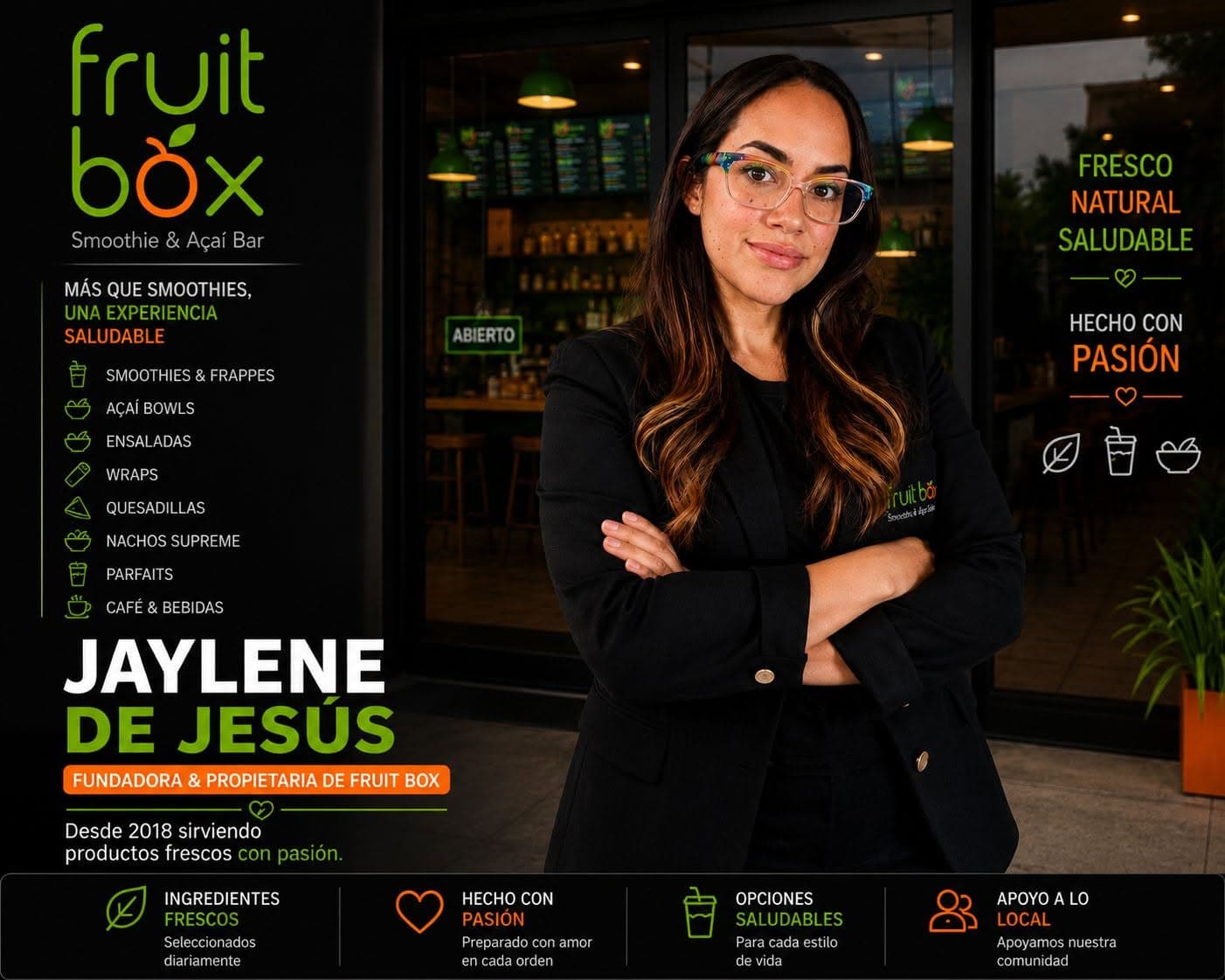
We opened in 2018 with one flat-top and a very small menu. It has grown since, but the idea has not: cook everything to order, buy from people we know, and keep it affordable enough to eat here twice a week.
- 2018
- Open since
- 180k+
- Orders served
- 4.8
- Average rating
What people say
The smash burger is the real thing
Crispy edges, properly seasoned, and it survived the ride home. Ordering direct is cheaper than the apps too.
Dana R.
Fast pickup
Ordered from the car park, walked in eight minutes later and it was bagged and waiting.
Marcus T.
Los mejores
El mejor frappé de Nutella está aquí!
Joel
Reliable delivery
Twenty-five minutes, still hot. Driver followed the gate instructions.
Tom B.
Good with allergies
Gluten-free bun actually holds together and the allergen list on each item is accurate.
Aisha K.
Breakfast all morning
Farmhouse breakfast with poached eggs is my Saturday. The tracking page is a nice touch.
Leon W.
Find us
Parking behind the building on Harbour Lane.
Opening hours
- Monday
- 7:00 AM – 3:00 PM
- Tuesday
- 7:00 AM – 3:00 PM
- Wednesday
- 7:00 AM – 3:00 PM
- Thursday
- 7:00 AM – 3:00 PM
- Friday
- 7:00 AM – 3:00 PM
- Saturday
- Closed
- Sunday
- Closed
Where to find us
Edificio Mercantil Plaza, Av. Juan Ponce de León, Local 10, San Juan, PR, 00918
787-634-2393fruitboxpr@gmail.comDelivery & pickup
Pickup
Usually ready in about 20 minutes. Order ahead and collect at the counter.